
A well designed operator interface can make a significant difference to productivity, efficiency and safety. Whether it’s a membrane keypad, piezo keypad or industrial keyboard, the user experience should be a key consideration from the very beginning of the design process.
When operators can interact with equipment quickly and confidently, tasks are completed more efficiently, training requirements can be reduced, and the risk of operator error is minimised.
Here are five practical ways to improve operator usability when designing a human-machine interface (HMI).
1. Keep Layouts Intuitive
Operators should be able to locate the controls they need quickly and without hesitation. A clear, logical layout helps users understand the interface at a glance, reducing confusion and improving workflow.
Grouping related functions together, positioning frequently used keys in easily accessible locations, and maintaining consistent design principles across the interface all contribute to a more intuitive user experience. A well-organised keypad can significantly reduce operating time and improve overall productivity.
2. Ensure Clear Key Identification
Even the best designed interface can become difficult to use if controls are not clearly identified. Legible legends, universally recognised symbols and effective colour contrast help operators quickly identify the correct functions.
In environments where visibility may be limited, features such as backlighting or illuminated indicators can further enhance usability. Clear identification not only improves efficiency but also helps operators work with greater confidence and accuracy.
3. Consider the Operating Environment
Every application presents its own challenges, and the operating environment should play a key role in the design process.
For example:
- Will operators be wearing gloves?
- Will the equipment be used outdoors?
- Is the environment exposed to moisture, dust, chemicals or extreme temperatures?
- Does the interface need to be cleaned regularly?
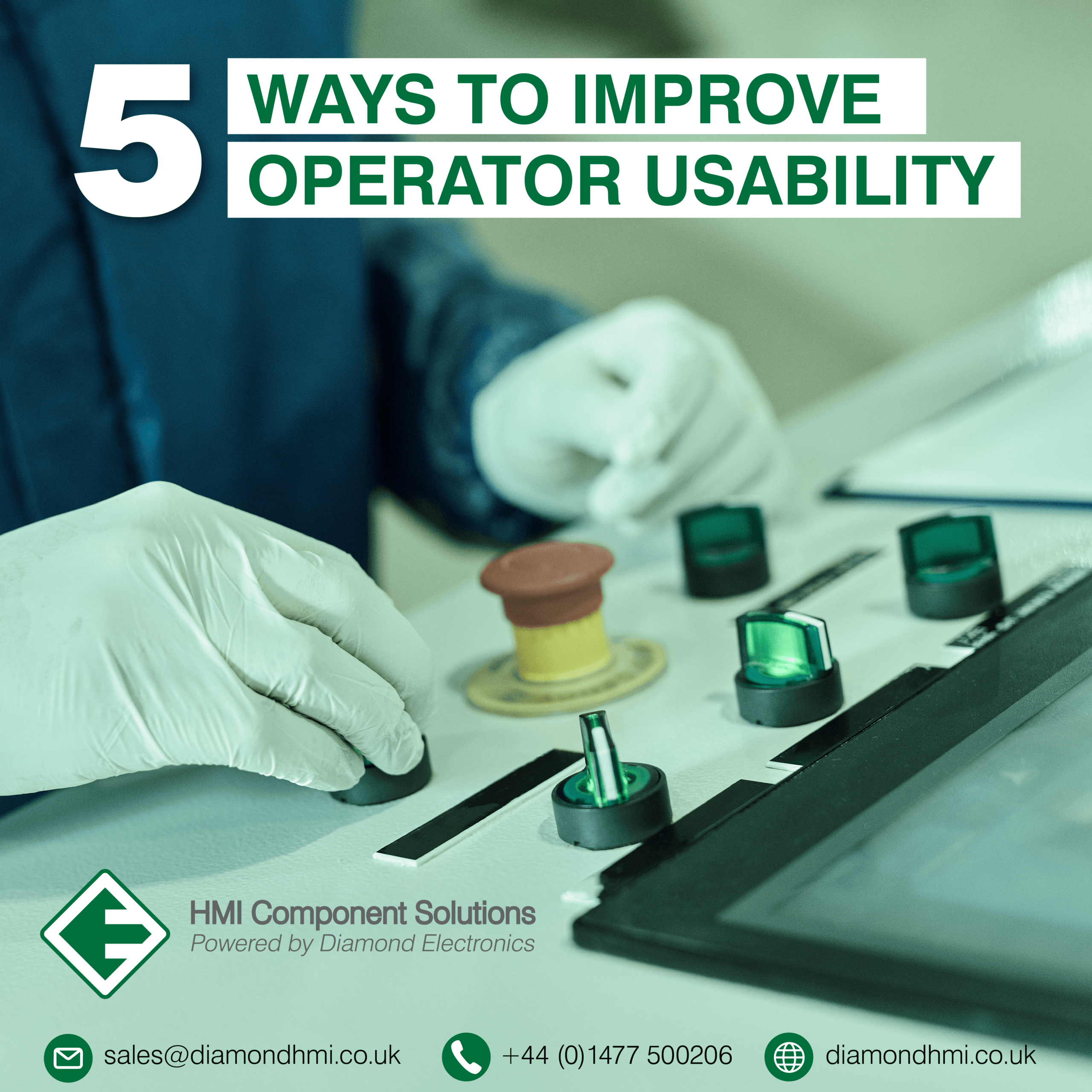
Designing an HMI specifically for its intended environment ensures reliable operation while making the interface easier and safer to use. Selecting the appropriate keypad technology, materials and sealing methods can have a major impact on long-term usability and performance.
4. Provide Tactile Feedback Where Appropriate
In many industrial applications, tactile feedback remains an important feature of operator interfaces. A positive key response provides confirmation that an input has been registered, helping to reduce uncertainty and prevent repeated key presses.
This can be particularly valuable in noisy environments where audible feedback may not be effective, or when operators are focused on monitoring equipment rather than looking directly at the interface. The right level of tactile response can improve user confidence and contribute to more accurate operation.
5. Minimise Operator Errors
Reducing the likelihood of operator error should be a fundamental objective of any HMI design. Simple design choices can make a significant difference to both safety and efficiency.
Logical key placement, colour coding, clear labelling and the separation of critical functions all help operators make the correct selections quickly. Functions that are used frequently should be easy to locate, while potentially critical or hazardous controls should be clearly distinguished from routine operations.
By designing with the operator in mind, businesses can reduce mistakes, minimise downtime and improve overall system performance.
Designing with the User at the Centre
The most effective HMI isn’t necessarily the most complex, it’s the one that allows operators to complete tasks quickly, safely and with confidence. Successful interface design requires a balance between functionality, durability and ease of use, ensuring the operator can interact with the equipment efficiently in real-world conditions.
At Diamond HMI, we work closely with you to develop custom membrane keypads, piezo keypads and industrial keyboards that are designed around both the application and the people using them. By considering usability from the outset, we help create operator interfaces that improve performance, enhance reliability and support a better user experience throughout the life of the product.
If you’re developing a new product or looking to improve an existing operator interface, our team can help identify the most effective solution for your application.